HR Manager and Document Organizer
HR staff can manage employee profiles, assign welcome packages, and organize contracts, invoices, and personnel files in custom folders. The Windows app can connect to a shared office folder so staff work from the same records. Its AI assistant answers questions about a selected document or saved records and can draft employee details for staff to review.
Light-mode screenshots use fictional employees and documents, with scripted chatbot replies.
Project screenshots
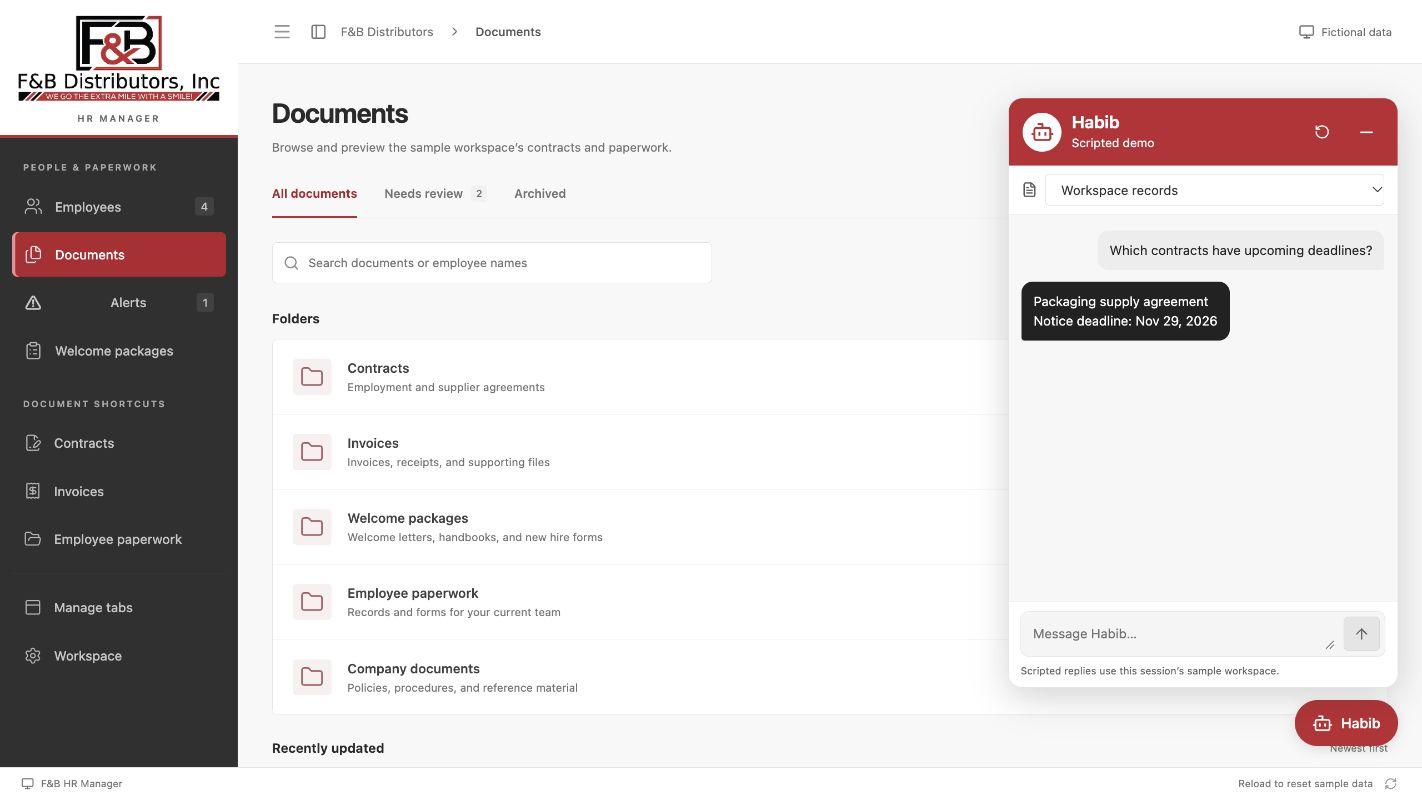
AI chatbot
The assistant finds a contract notice deadline. It can also draft an employee record for review.
Open full size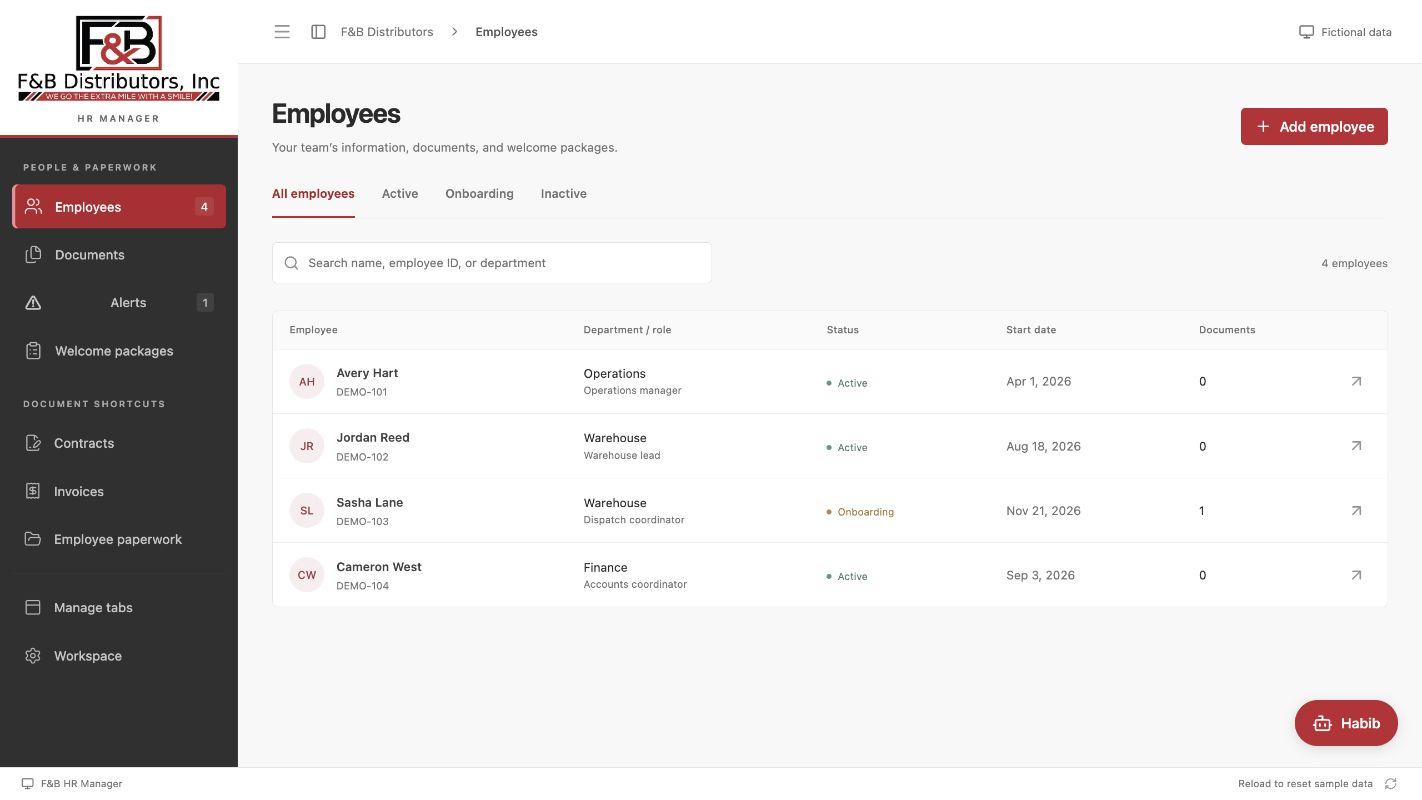
Employee directory
Staff can search the directory and filter by employment status.
Open full size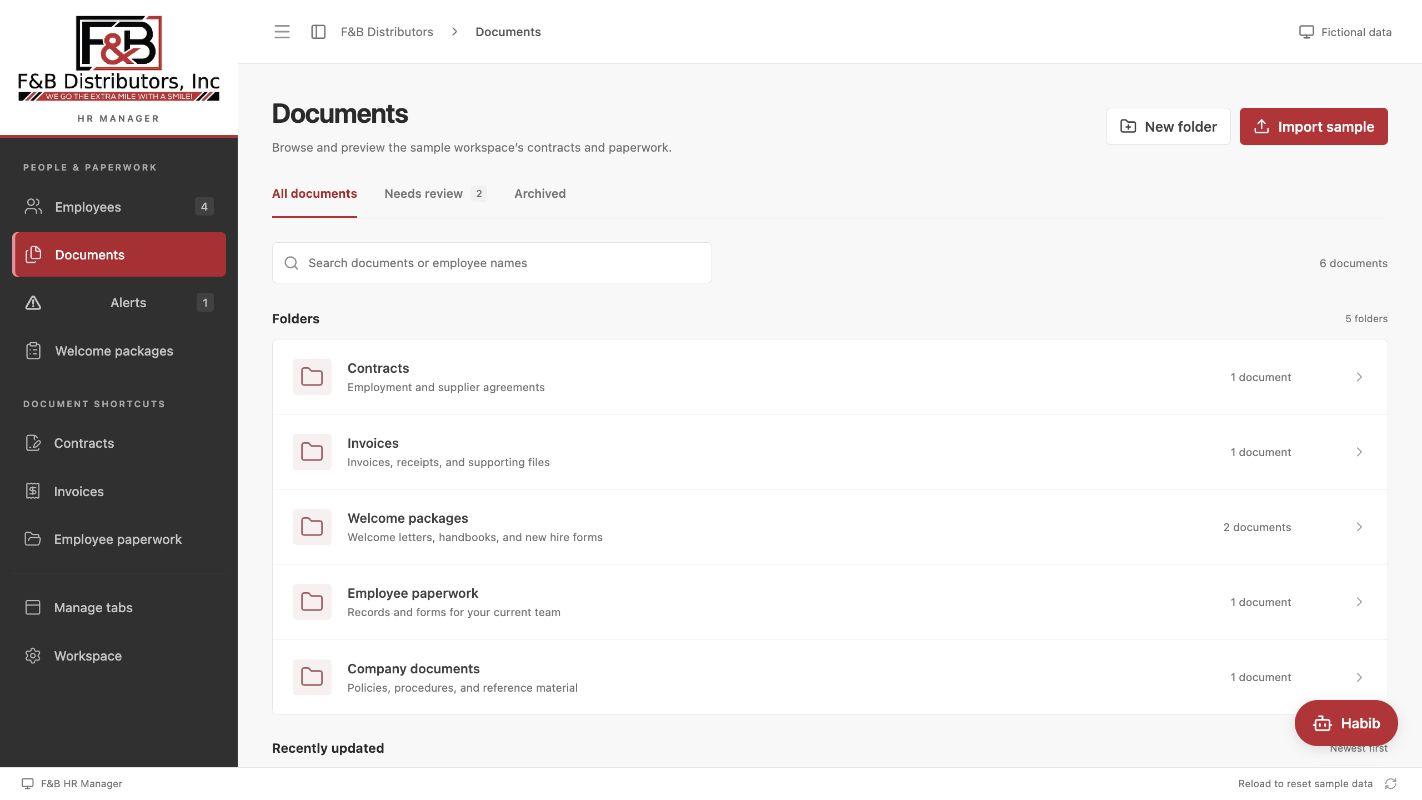
Document folders
Staff can preview contracts, invoices, and personnel files and see which ones need review.
Open full size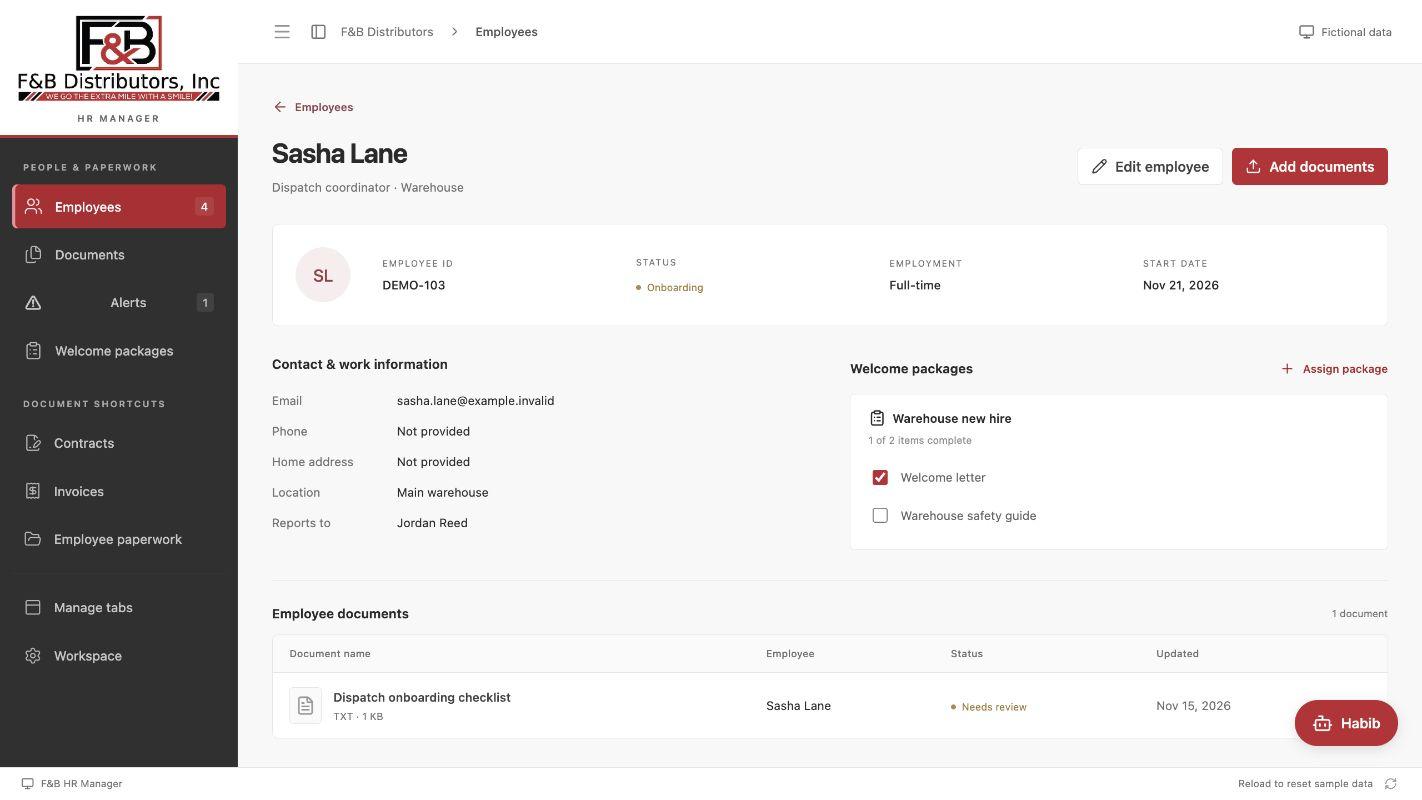
Employee profile
Profiles show work details and linked files alongside the assigned welcome package.
Open full sizeAutomations
- AI contract scanning
- The scanner suggests expiration dates and notice deadlines and shows the relevant contract text. Staff confirm the dates and enable tracking before reminders start.
- Renewal and notice alerts
- The Alerts view flags upcoming and overdue contract dates using a reminder window staff set. Optional desktop notifications work while the app is running. Once a renewal is agreed, staff can record the new dates.
- Employee form autofill
- Staff can upload an employee document to prefill supported fields, then check and edit the proposed details before saving.
- Onboarding checklists
- Each assigned welcome package shows required items on the employee profile. Completion counts update as staff check items off, so missing paperwork stays visible.